Skip to content
Production workspace access is gated while the CRM data plane is being rebuilt.
Request access

CRM

Run accounts, contacts, opportunities, tasks, conversations, and products in one workspace.

A working CRM core with account/contact management, pipeline, tasking, conversations, products, reports, and admin controls.

Built for

Teams replacing fragmented spreadsheets, point tools, and disconnected activity logs.

Availability

Implemented locally; deployment credentials separate

The CRM core exists across accounts, contacts, opportunities, tasks, products, reports, and admin routes. Production launch still depends on deployment credentials and smoke proof.

Build/typecheckProduction credentialsPost-deploy smoke

Revenue command

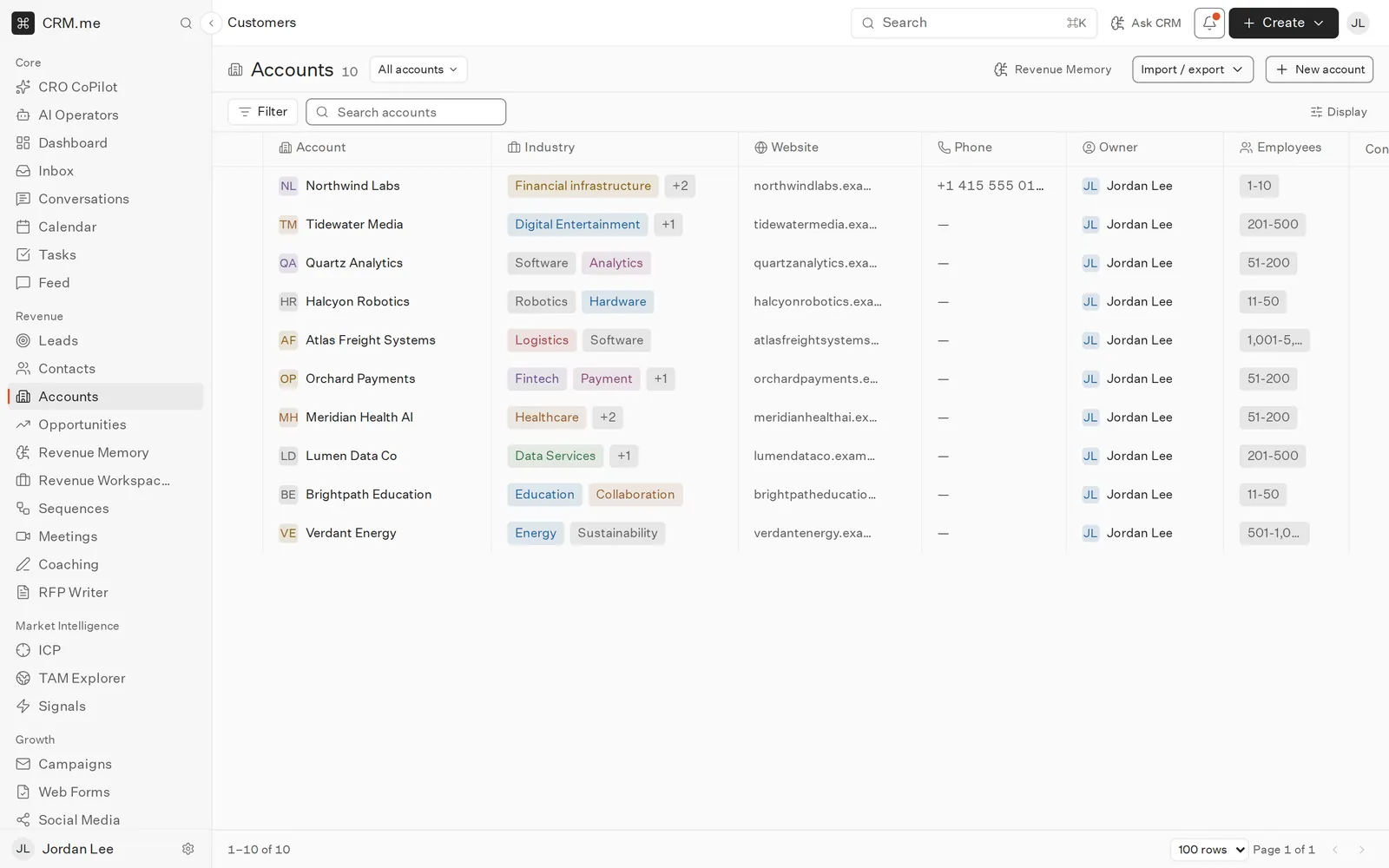
Account workspace

PipelineBy stage
TasksPrioritized
SignalsUnified

Product Theater

Inspect the workflow before signup

Each step shows the start state, CRM.me action, result state, and proof language for this product route instead of relying on generic feature copy.

Revenue command

Account workspace

Desktop, tablet, and mobile route captures · poster revenue-command.png · fallback revenue-command.png

Interface preview, not release proof

Start state

Model the customer

Create accounts, contacts, buyers, opportunities, products, projects, and tasks.

CRM.me action

Model the customer

Create accounts, contacts, buyers, opportunities, products, projects, and tasks.

Result state

By stage

Pipeline moves into the product surface without losing record context.

Proof

CRM claims map to existing app routes and production build output.

No fake customer count or revenue uplift language is used.

Workflow

How the workflow moves from signal to action

Every page maps to shipped CRM.me surfaces or explicitly calls out the production credentials required before a workflow goes live.

1

Model the customer

Create accounts, contacts, buyers, opportunities, products, projects, and tasks.

2

Capture the work

Log email, campaign, meeting, document, and conversation activity.

3

Operate the pipeline

Use dashboards, reports, alerts, and admin governance to manage revenue.

Core records

Keep the CRM objects that revenue teams rely on.

  • Accounts
  • Contacts
  • Opportunities
  • Tasks

Revenue workflows

Connect pipeline work to activity and follow-up.

  • Campaigns
  • Meetings
  • Documents
  • Conversations

Operational control

Give managers and admins visibility into the system.

  • Reports
  • Dashboards
  • Roles
  • Audit logs

Claim Guardrails

Source-verifiable launch copy

These pages avoid fake customer counts, fake certification language, fake marketplace approval claims, and unsupported revenue-lift claims.

CRM claims map to existing app routes and production build output.

No fake customer count or revenue uplift language is used.

Server credentials remain a separate production deployment gate.

Related Workflows

Keep exploring the connected product surface