Skip to content

AI Assistant and Intelligence

Use AI for replies, scoring, summaries, RFPs, campaign copy, and next actions.

CRM.me connects AI workflows to the records, meetings, campaigns, documents, and tasks that already exist in the platform.

Built for

Revenue teams that want AI inside their workflows instead of a disconnected chatbot.

Availability

Implemented workflow; AI provider required

AI workflows are connected to CRM context but require production AI provider keys, fallback model configuration, and review controls.

AI provider keyFallback modelHuman review
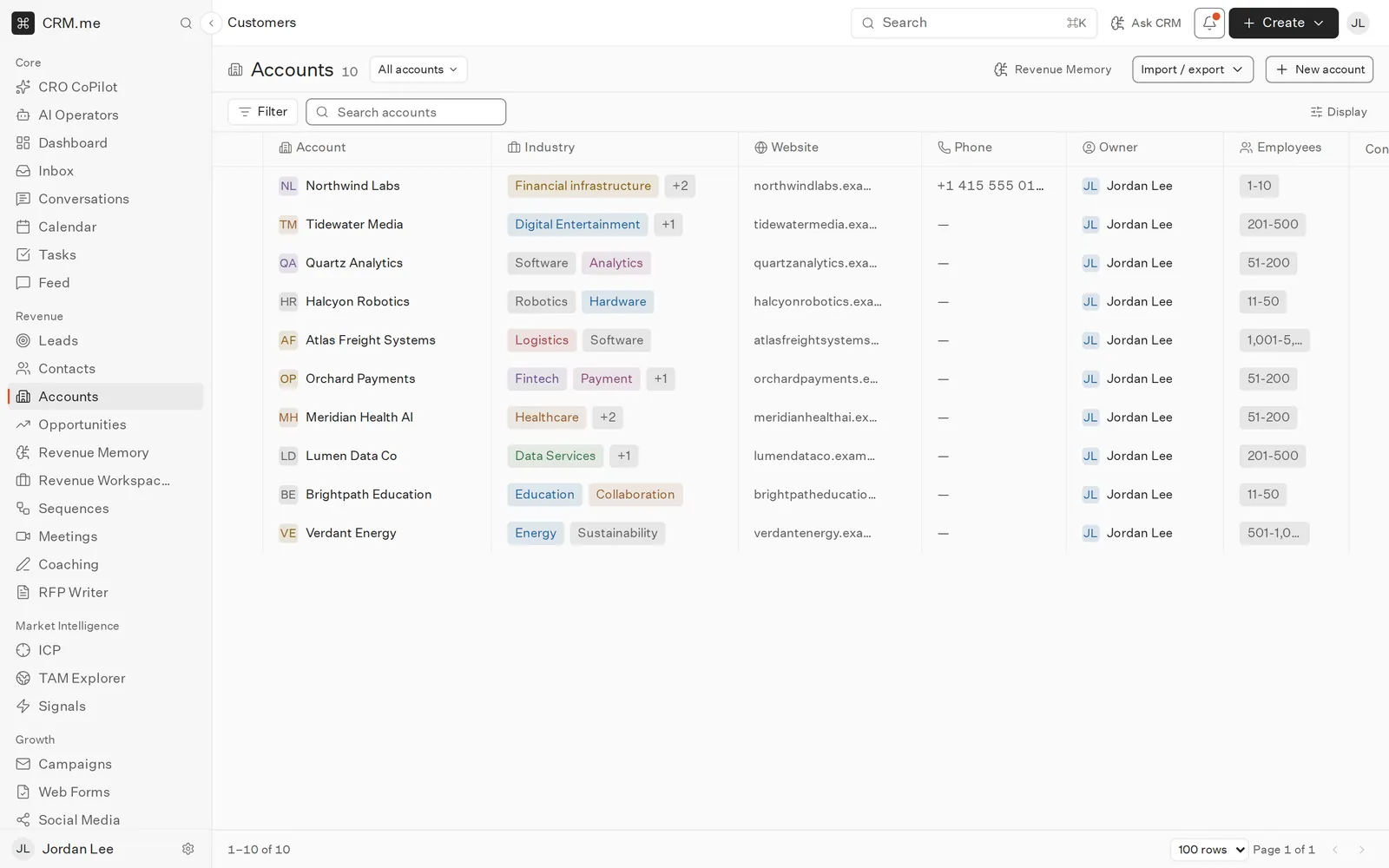
Illustration · sample data

How it works

From signal to action

  1. 1

    Start with context

    Use CRM, email, meeting, and document state as the input.

  2. 2

    Generate work

    Draft replies, sequence steps, RFP answers, summaries, and suggested actions.

  3. 3

    Keep humans in control

    Review, approve, edit, and audit AI-generated output.

Sales assistance

Help reps respond faster with more context.

  • AI reply
  • Follow-up drafts
  • Deal risk
  • Priority actions

Content generation

Generate useful drafts from approved context.

  • Campaign copy
  • Sequence steps
  • RFP answers
  • Meeting summaries

Governance

Keep AI workflows accountable to settings and review.

  • Provider controls
  • Human review
  • Audit context
  • Fallback models

Related Workflows

Keep exploring the connected product surface